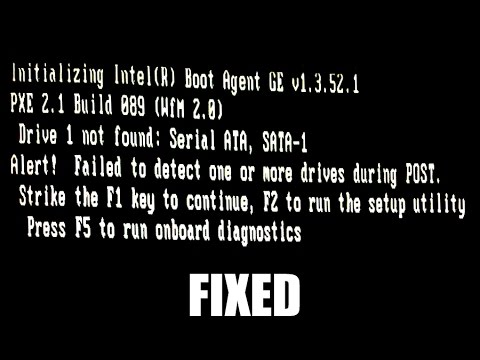
Drive 1 Not Found Error on Boot up Quickly Fixed

how to fix "DRIVE1 NOT FOUND" error. Its so simple to fix just follow my steps 1. Restart your Pc or Laptop 2. Enter to BIOS SETUP or SYSTEM UTILITY SETUP ( Pressing F2 ) 3. Now turn on Capslock Scrolllock and Numlock by pressing them (if num lock is already on turn it off and on again) 4. Now press ALT+E ALT+F (Click ok or yes if you get any warning caution read it before pressing) 5. Now press ALT+B 6. Restart your PC or Laptop and YOu are DOne If you face any problem tell it in comments and if it worked for you hit Like




EmoticonEmoticon